Design System for Converse Bank
We developed a comprehensive design system for an Armenian bank. It simplified the workflow for designers and developers.
After the Design System
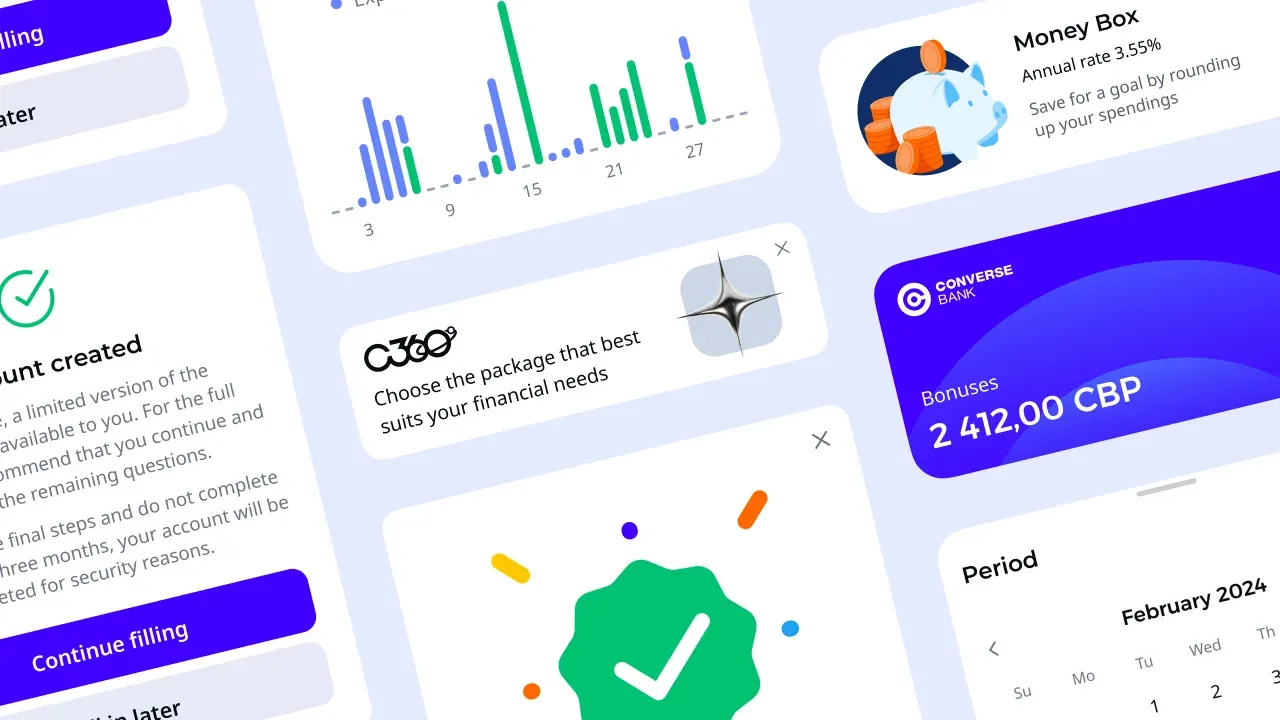
First, we created a full design system for Converse Bank — one of the largest banks in Armenia. The result was a ready-to-use product for both developers and designers. Using this foundation, we crafted an updated mobile app aligned with the brand’s new visual identity and messaging.
The Foundation
Converse Bank already had a functioning mobile app. However, from a UX/UI standpoint, as well as in terms of functionality and visual alignment with the refreshed brand, it needed a makeover. We reworked user flows, updated the interface, and introduced new features — all while keeping the familiar interaction logic.
A Base for Growth
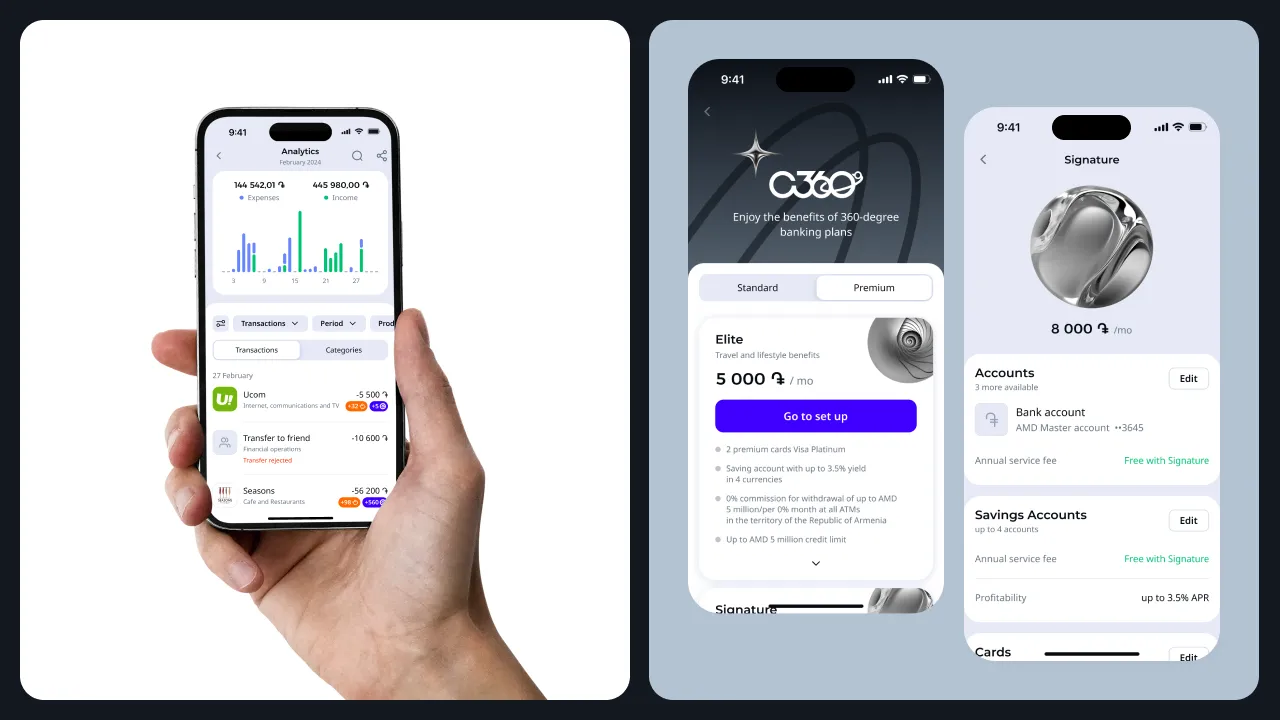
One key reason Converse Bank’s team undertook this extensive project was because the original app was built many years ago without anticipating future expansion. Although new features had been added over time, it was done inconsistently and without a coherent structure. This created a confusing experience for both users and the product team. The new flow addresses this issue.
App Structure
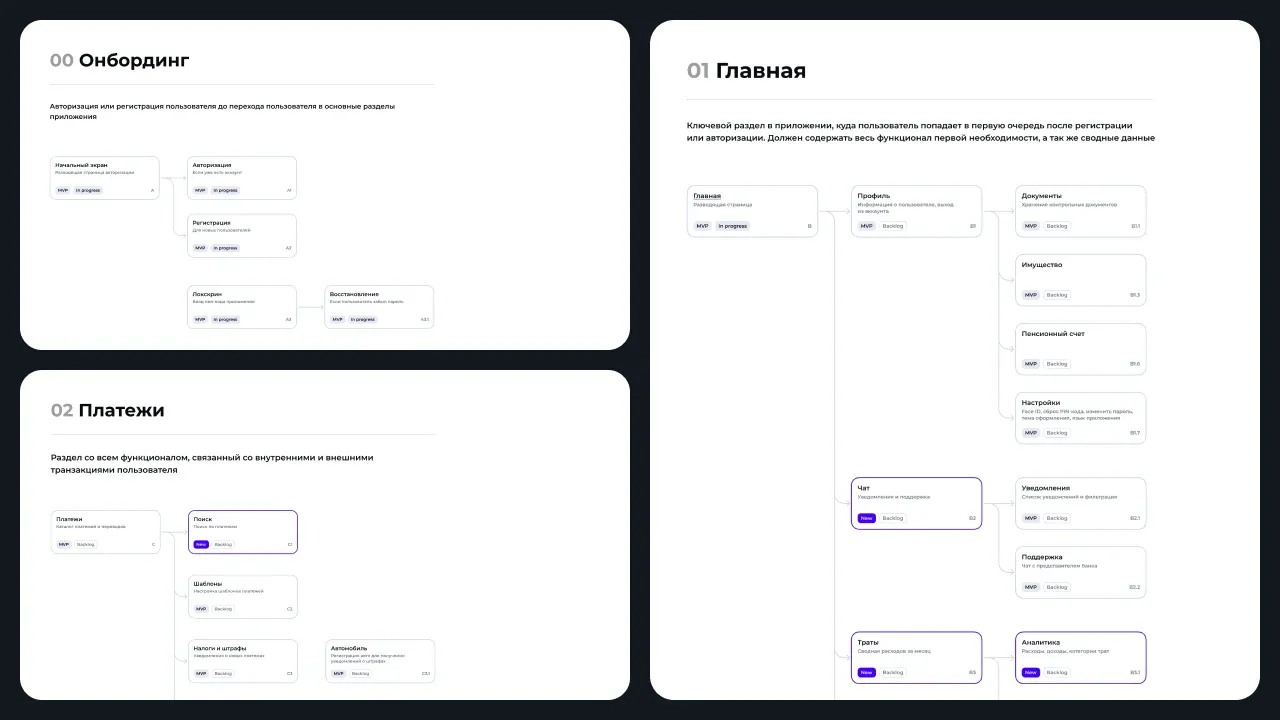
Our solution was a modular widget-based structure. These widgets can be rearranged, added, or removed depending on the interface components needed within the product. This flexible grid will allow for smooth integration of new services down the line.
App Structure — The User’s Perspective
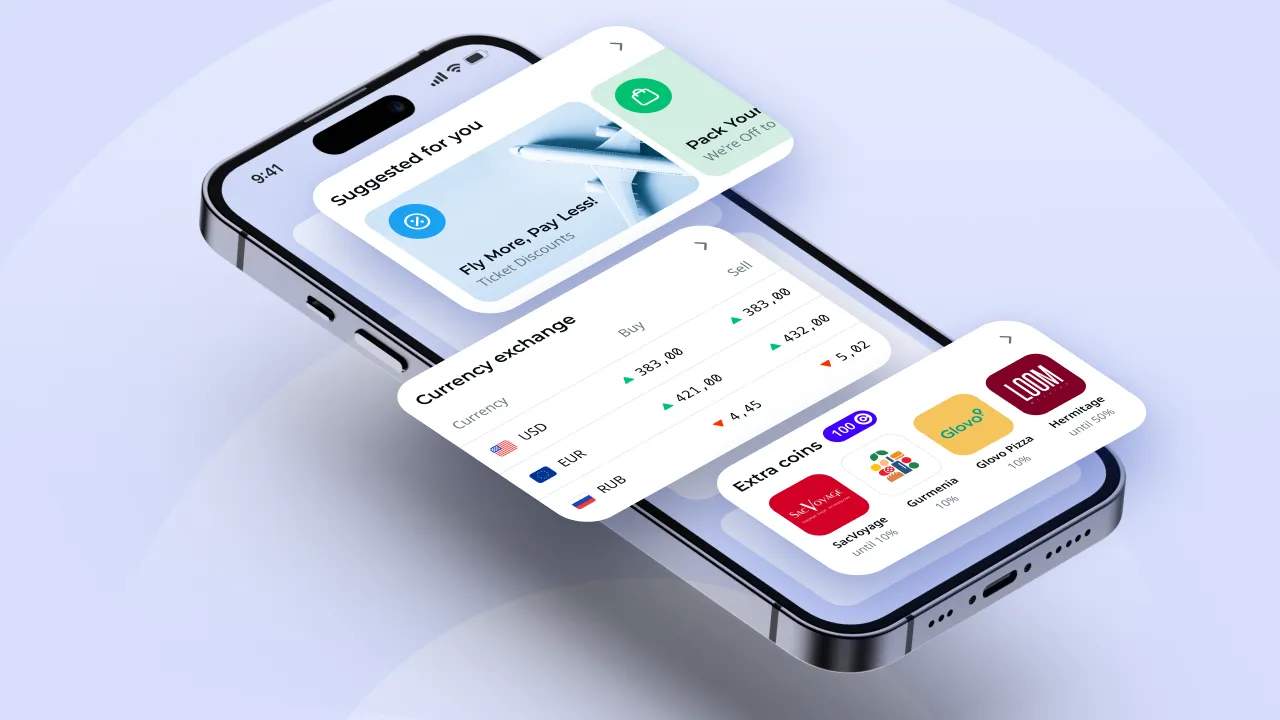
We applied the same modular principle to the user interface. The visual elements of the app can be customized, letting users tailor individual pages to their needs and goals. All app features are wrapped in a comfortable and appealing UI.
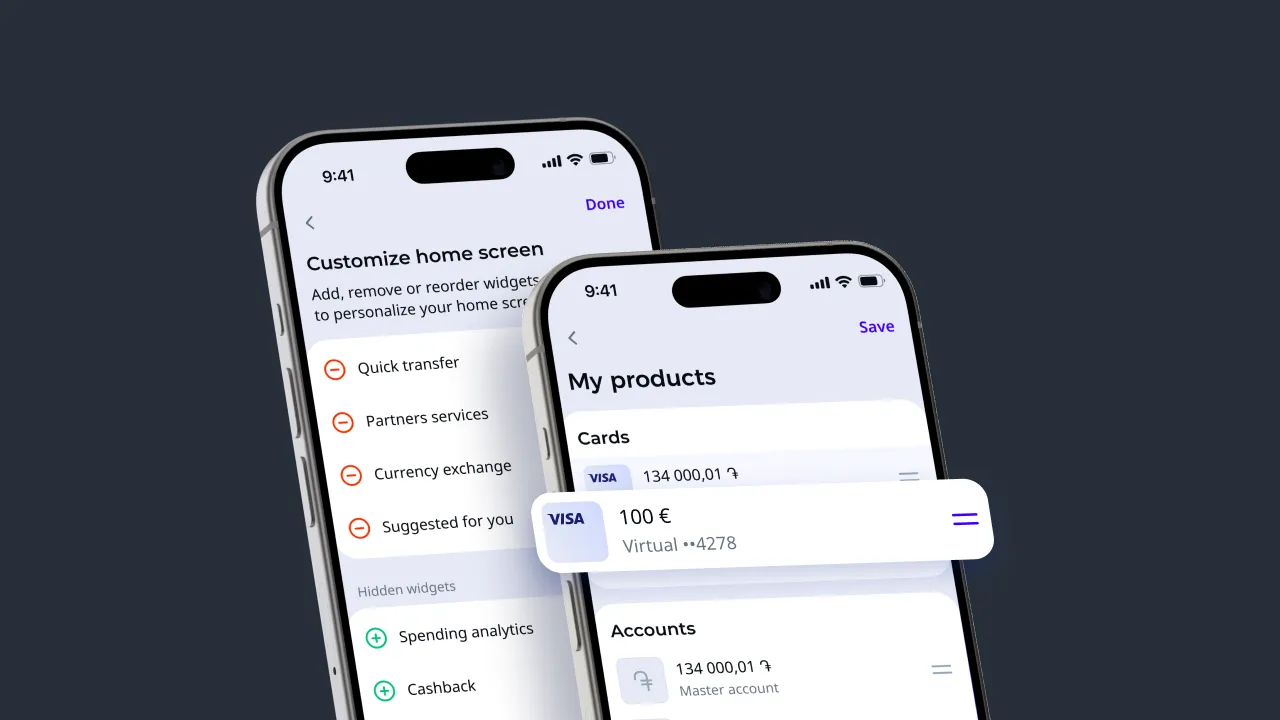
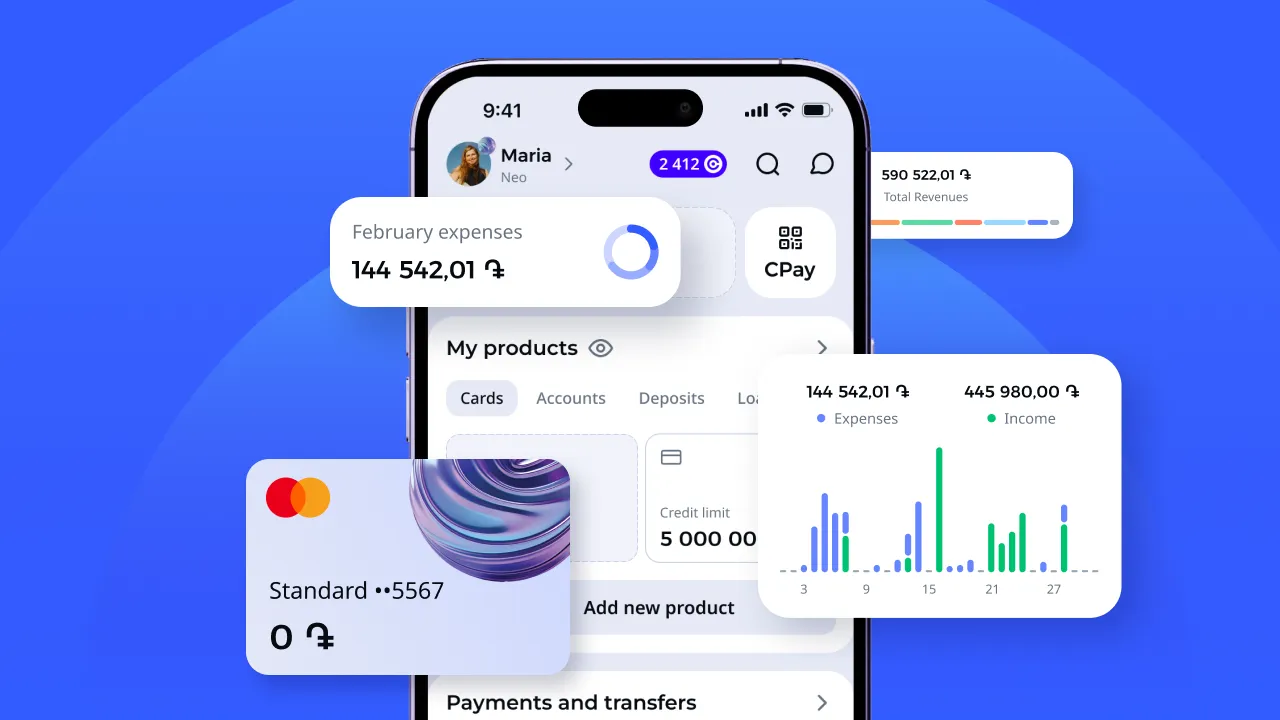
Home Screen
Designed so users can quickly view and access all relevant information. The home feed is customizable, allowing users to add the widgets they need. If they have credit products, they can conveniently track payments; if they use investment products, quick and easy management is possible.
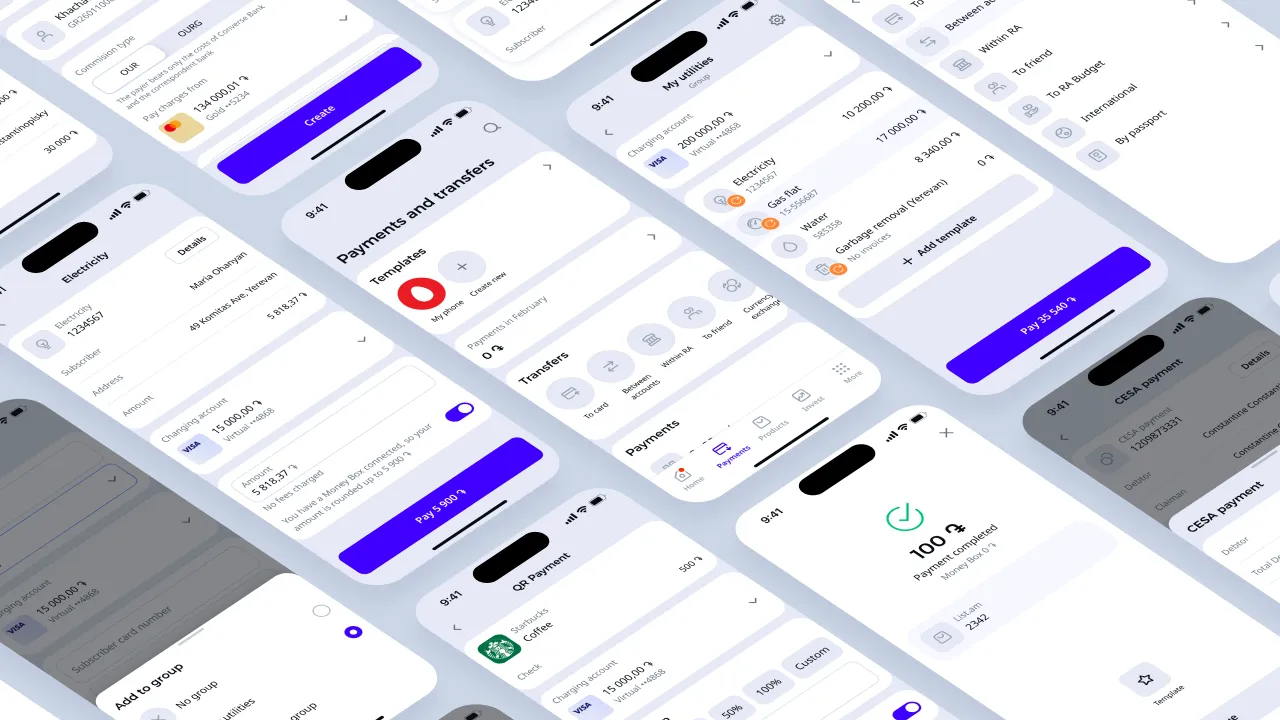
Payments and Transfers
The most comprehensive section of the app, covering all types of payments and transfers users might need. Additionally, users can create custom payment templates and groups, making transactions almost effortless after initial setup.
Products
This section showcases the full range of products offered. It also provides personalized offers. Users can create multiple accounts for different goals. For example, setting up one for systematic savings with automated transfers to a savings account, or opening a "piggy bank" account that rounds up purchase amounts to save the difference.
Profile
A standard banking app profile function allows users to change passwords, add avatars, or switch between light and dark modes. Converse Bank’s profile also includes “Documents” and “Property” sections.
Documents
Everyone occasionally needs urgent access to paperwork but doesn’t have the documents handy. Converse Bank customers can find these in the “Documents” section of their profile. Users don’t have to enter data manually—the bank can request this information directly from government agencies, retrieve it, and store it securely. This also helps automate certain transactions, such as utility payments, by automatically filling in the required data.
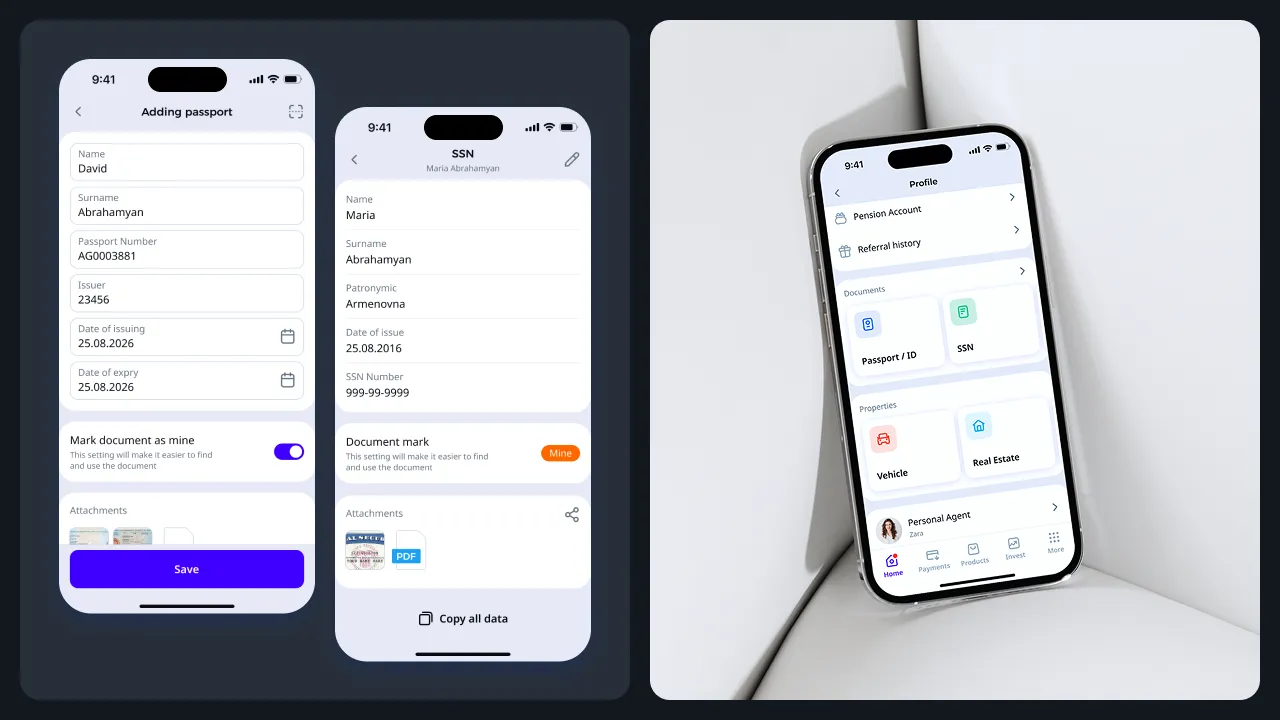
Property
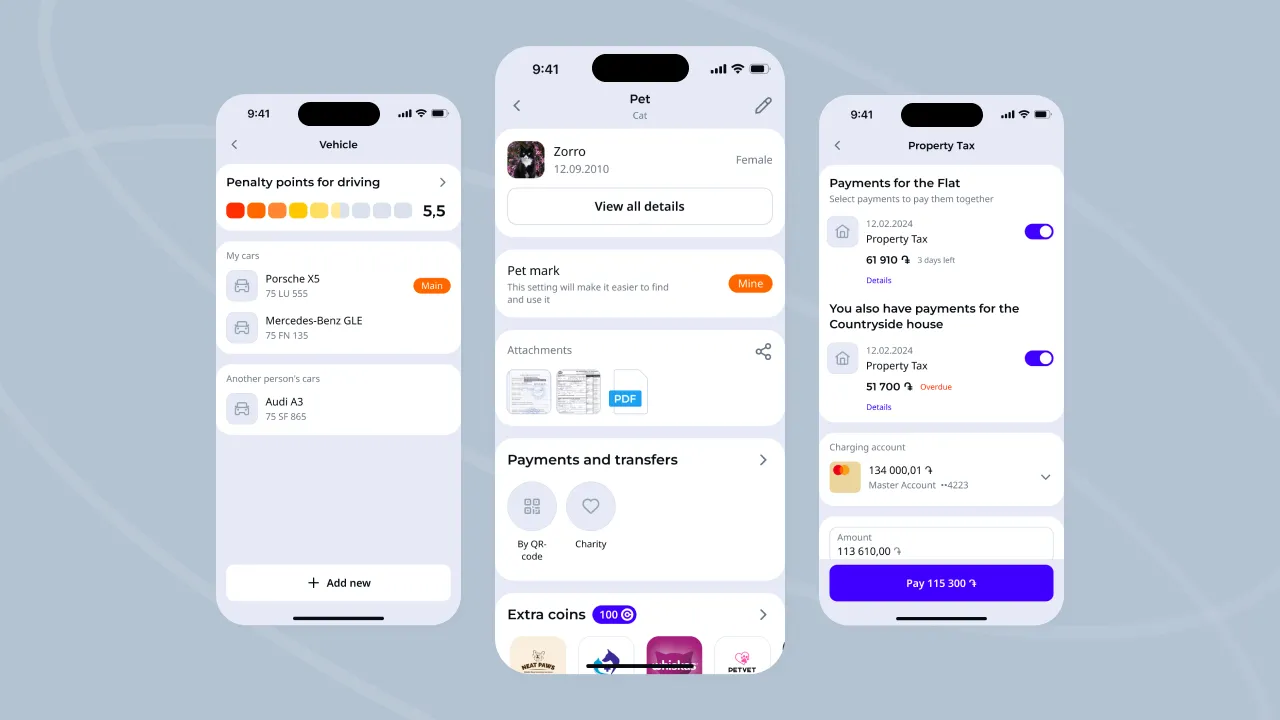
This section works similarly, but contains specific documents related to real estate, vehicles, and even pets. Users can pay fines and taxes with a couple of clicks and keep important info, like their pet’s vaccination records, at their fingertips.
The Details
And not just one. The app’s features include dark and light themes, multilingual interfaces, and its own payment system, Converse Pay. For future growth, a loyalty program flow was designed, structured like a “treasure chest” — essentially an app within an app.